Create Rounded Corner Images Online for Free (No Upload Required!)
In modern digital design, small visual details make a big impact—and rounded corners are one of those details that instantly elevate images. Whether you’re designing a website, creating social media graphics, or polishing a presentation, rounded corners give images a clean, friendly, and professional look.
The good news? You can now create rounded corner images online for free, without uploading your files or installing bulky software. Let’s explore why rounded corners matter, how you can create them easily, and tips to get the best results.
Why Rounded Corners Are So Popular
Rounded corners are more than just a trend—they’re a design principle used across apps, websites, and platforms.
Key Benefits
🎨 Improved Aesthetics – Rounded edges soften visuals and feel more modern
👀 Better Focus – They subtly guide attention toward the image content
🧠 Enhanced User Experience – Rounded elements feel smoother and more natural
📱 Platform-Friendly – Matches UI styles used by Instagram, iOS, Android, and modern web apps
A simple design tweak like rounded corners can dramatically improve how users perceive your visuals.
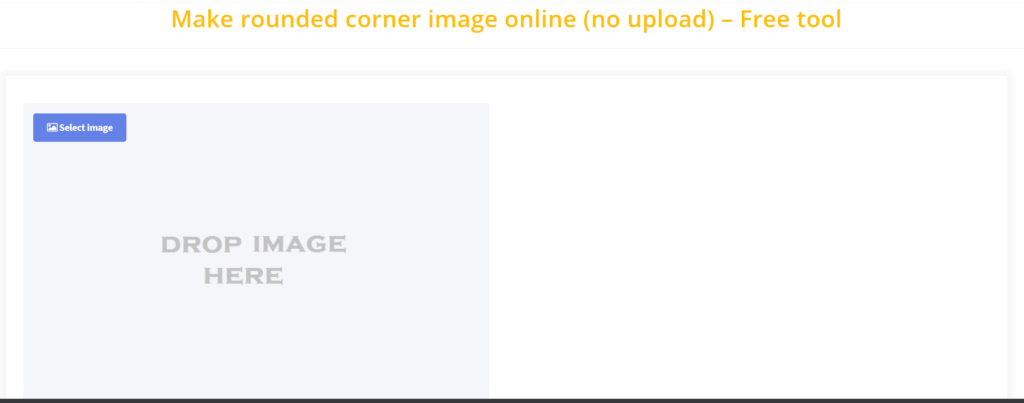
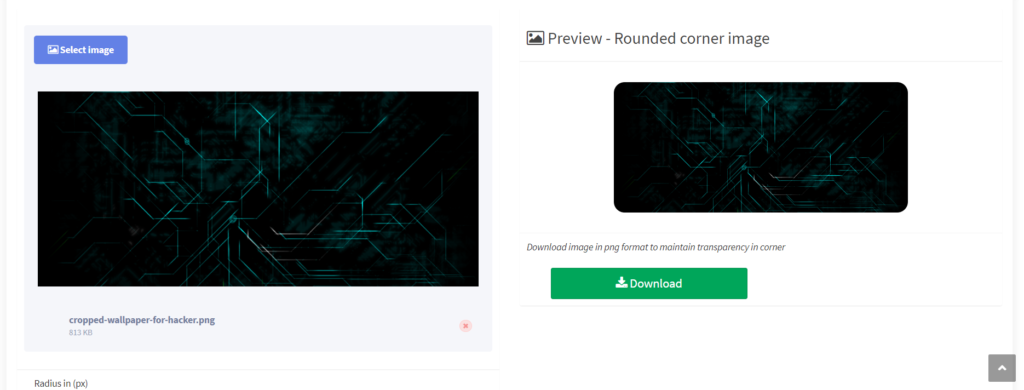
Create Rounded Corner Images Online (No Upload Needed)
Thanks to browser-based image editors, you can now round image corners locally on your device, meaning your images never leave your computer. This ensures both privacy and speed.
What “No Upload Required” Means
Images are processed inside your browser
Nothing is sent to external servers
Ideal for sensitive, personal, or professional images
Popular Free Tools to Create Rounded Corners
1. Canva
Canva is a beginner-friendly design platform with built-in corner rounding.
How it works:
Create a free account
Drag your image onto a canvas
Use image effects or frames with rounded edges
Export your design
Best for: Social media posts, presentations, quick designs
2. Fotor
Fotor offers straightforward image editing with rounded corner options.
How it works:
Open Fotor in your browser
Add your image
Select editing tools → rounded corners
Adjust the corner radius and save
Best for: Fast edits with minimal setup
3. Photopea
Photopea is a powerful, browser-based alternative to Photoshop.
How it works (no traditional upload):
Copy an image and paste it directly
Use shapes or masks with rounded corners
Apply clipping or rasterize layers
Best for: Advanced users who want precise control
4. No-Upload Browser Tools (Local Processing)
Some modern online editors—like those found on platforms such as ConvertJPgtoPDF.net—focus on privacy-first editing, allowing you to:
Open images locally
Adjust corner radius with sliders
Download instantly with no uploads
Best for: Users who value privacy, speed, and simplicity
Tips for Perfect Rounded Corner Images
✅ Choose the Right Corner Radius
Small radius → subtle, professional look
Large radius → friendly, card-style visuals
🎯 Stay Consistent
When using multiple images (websites, portfolios, feeds), use the same corner radius for visual harmony.
🌈 Mind the Background
Rounded corners stand out best against:
Solid backgrounds
Contrasting colors
Subtle gradients
🌟 Add Soft Shadows
A slight drop shadow can:
Add depth
Make rounded edges pop
Improve visual hierarchy
Where Rounded Corner Images Work Best
📱 Social media posts & stories
🖥️ Website cards, banners, and thumbnails
🛒 Product images for eCommerce
📊 Presentations & infographics
🧾 UI mockups and app previews
Conclusion: Small Change, Big Visual Upgrade
Creating rounded corner images online—for free and without uploads—is one of the easiest ways to improve your designs instantly. With modern browser-based tools, you don’t need expensive software, design experience, or privacy compromises.
Whether you’re a designer, marketer, student, or content creator, rounded corners help your visuals feel:
✨ cleaner
✨ more modern
✨ more engaging