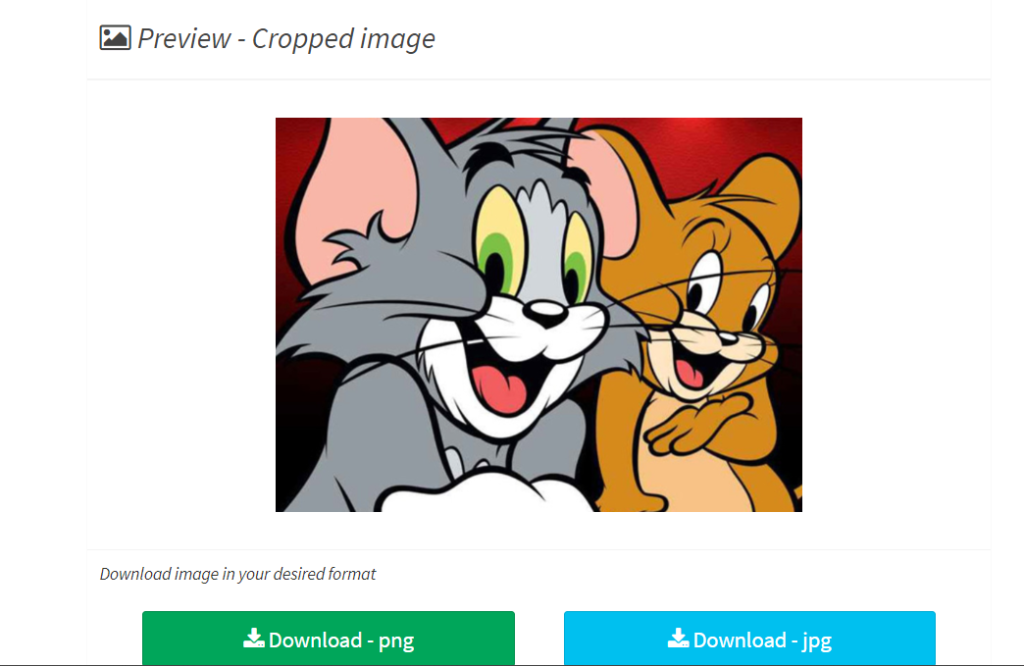
Accessible With No Uploads Required: An Easy and Safe Tool to Cut Images
Cropping an image is often the first and most essential step in photo editing. Whether you’re removing unwanted background elements, improving composition, or preparing visuals for social media, cropping helps bring focus and clarity to your images.
However, most online cropping tools require you to upload your image to external servers, raising concerns about privacy, security, speed, and file-size limitations.
To solve this problem, ConvertJPGtoPDF.net offers a free Crop Image Online tool that works without uploading your files. All edits are performed locally in your browser, making the process fast, secure, and ideal for both casual users and professionals.
Why Crop Images Online Without Uploading?
If you value privacy and efficiency, cropping images without uploads is a smarter alternative. Here’s why this approach matters:
Complete Image Security
Your photos never leave your device, eliminating risks of data breaches or unauthorized access.Instant Processing
No uploads or downloads mean faster results with zero waiting time.No File Size Restrictions
Unlike upload-based tools, large images can be edited freely.No Software Installation
Everything works directly inside your browser—simple and convenient.
The no-upload cropping tool from ConvertJPGtoPDF.net combines speed, safety, and simplicity into one seamless experience.
Features of ConvertJPGtoPDF.net’s Crop Image Online Tool
Designed for ease of use without compromising functionality, the tool includes:
🔒 Privacy-First Editing – Images stay on your device at all times
💯 Completely Free – No subscriptions, no hidden fees
✂️ Flexible Cropping Frame – Resize and move freely
👀 Live Preview – See results before saving
💾 Multiple Save Options – Save as JPG, PNG, or other formats
📱 Cross-Device Compatibility – Works on desktop, tablet, and mobile
🚫 No Installation Required – Browser-based and lightweight
How to Crop an Image Online Without Uploading
Cropping an image with ConvertJPGtoPDF.net is quick and straightforward:
Step 1: Open the Tool
Visit ConvertJPGtoPDF.net and select Crop Image Online.
Step 2: Open Your Image
Click Open File and select the image from your device.
👉 No upload takes place—the file stays local.
Step 3: Adjust the Cropping Frame
Resize and move the cropping box to select the area you want to keep.
Step 4: Preview the Crop
Use the live preview to ensure the result matches your expectations.
Step 5: Save the Cropped Image
Click Save, and the cropped image will download directly to your device.
Benefits of Using a No-Upload Cropping Tool
Choosing a browser-based, no-upload tool gives you clear advantages:
Total Privacy Control – Ideal for personal or confidential images
Faster Workflow – No server delays
Offline Support (in supported browsers) – Works even with limited internet
Beginner-Friendly – No technical expertise required
This makes it perfect for students, professionals, and everyday users alike.
Creative Ways to Use Image Cropping
Cropping isn’t just about removing unwanted parts—it’s a creative tool:
🎯 Focus on the Subject – Eliminate distractions
🎨 Change Perspective – Experiment with new compositions
📱 Optimize for Social Media – Crop to platform-specific dimensions
📖 Enhance Storytelling – Highlight key details for visual impact
With the right crop, even ordinary photos can look professional and compelling.
Why Choose ConvertJPGtoPDF.net?
ConvertJPGtoPDF.net is more than just an image cropper—it’s a complete online editing suite trusted worldwide:
✔️ User-Friendly Interface
✔️ Wide Range of Tools – Crop, flip, resize, convert, and more
✔️ Privacy-Focused Design – No uploads, no storage
✔️ No Fees Ever – Free access for everyone
It’s a reliable all-in-one platform for quick, secure image and document editing.
Frequently Asked Questions (FAQs)
Can I crop images on my smartphone?
Yes, the tool works smoothly on smartphones and tablets.
Which image formats are supported?
JPG, PNG, and BMP formats are fully supported.
Is the service really free?
Yes, it’s completely free with no subscriptions or hidden costs.
How does the no-upload feature work?
All editing happens locally in your browser, so images never leave your device.
Can I crop multiple images at once?
Currently, images are processed one at a time for maximum precision.
What happens to the original image?
Your original file remains unchanged. The cropped image is saved as a new file.
Conclusion
Cropping images online doesn’t have to be risky or complicated. With ConvertJPGtoPDF.net’s free Crop Image Online tool, you can crop images without uploading them, ensuring maximum privacy, speed, and ease of use.
Whether you’re editing family photos, professional visuals, or social media content, this tool delivers a perfect balance of security, simplicity, and performance. Skip heavy software and privacy concerns—head to ConvertJPGtoPDF.net and experience effortless image cropping directly from your browser.
Popular Tools