Image Online – Free Image Editor (No Software Needed)
Introduction
Image editing has become a daily necessity—whether it’s for business projects, social media posts, marketing designs, or personal creativity. Unfortunately, professional image editing software can be expensive, heavy, and time-consuming to install.
That’s where ConvertJPGtoPDF.net steps in. It offers a free online image editor that works directly in your browser, giving you powerful editing tools without downloads, subscriptions, or technical complexity.
What Is an Online Image Editor?
An online image editor is a browser-based tool that allows users to modify images without installing software on their device. All editing tasks—such as cropping, resizing, adding text, or applying effects—are done online.
Unlike traditional desktop software, an online image editor:
Requires no installation
Works on any device
Is accessible anytime, anywhere
The free image editor from ConvertJPGtoPDF.net is designed for both beginners and advanced users, offering essential editing tools in a clean, intuitive interface.
Why Use a Free Online Image Editor?
Using a free online image editor comes with multiple advantages:
✅ Cost-Effective
No need to purchase expensive software licenses or subscriptions.
✅ Accessible Everywhere
Edit images from a laptop, tablet, or smartphone—just open a browser.
✅ Beginner-Friendly
Simple layout and tools make editing easy for everyone.
✅ Fast & Convenient
Complete edits in minutes without waiting for installations or updates.
Key Features of ConvertJPGtoPDF.net Free Image Editor
The free image editor includes all the essential tools you need for everyday image editing:
Crop & Resize – Adjust image dimensions for social media, websites, or documents
Add Text & Graphics – Insert text overlays, shapes, and visual elements
Filters & Effects – Enhance images with creative filters
Rotate & Flip – Correct orientation or create mirror images
Drawing Tools – Draw freehand or add shapes for annotations
Background Removal – Remove backgrounds for clean, professional visuals
Multiple Export Formats – Save images as JPG, PNG, or PDF
How to Use the Free Image Editor Online
Step 1: Access the Tool
Visit ConvertJPGtoPDF.net and open the Free Image Editor.
Step 2: Upload Your Image
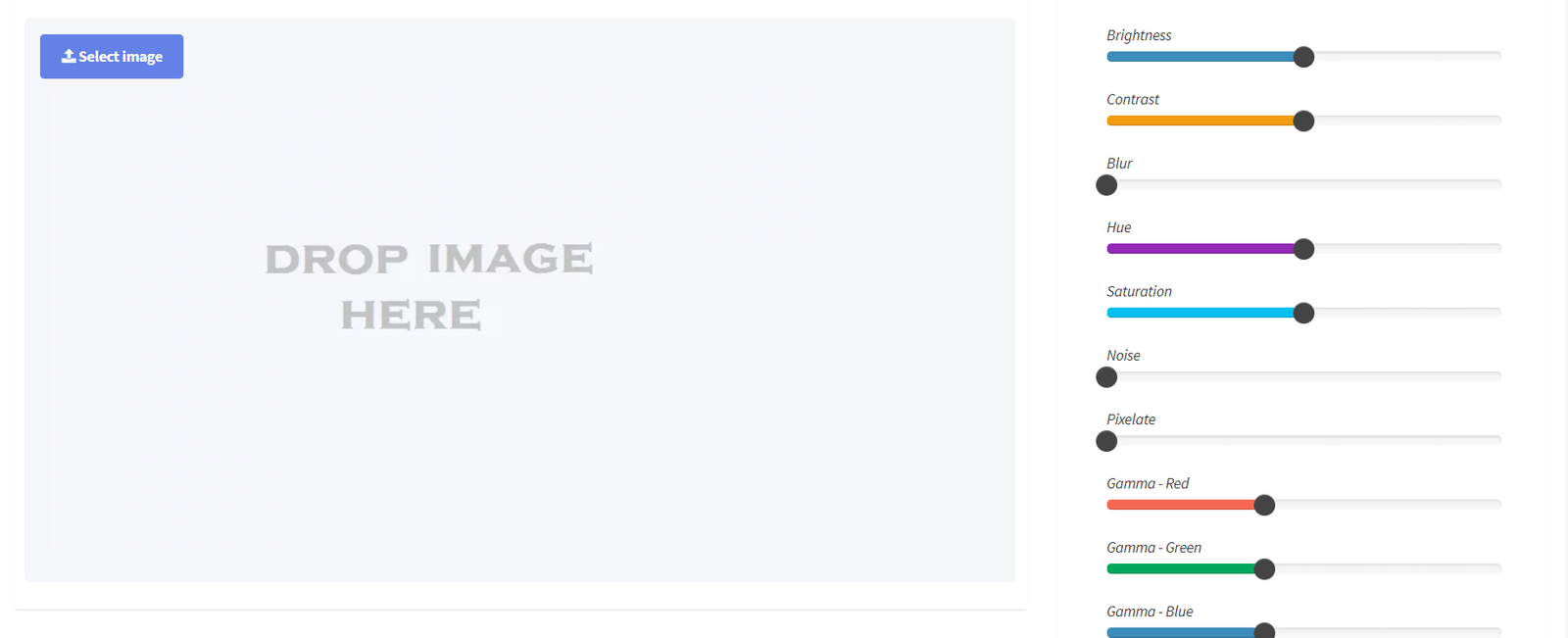
Upload your file using the upload button or drag and drop it directly.
Supported formats include JPG, PNG, BMP, and GIF.
Step 3: Edit Your Image
Use the available tools to crop, resize, add text, apply filters, rotate, or remove backgrounds.
Step 4: Preview Changes
Preview your edits to ensure everything looks perfect before saving.
Step 5: Save & Download
Download the final image in your preferred format.
Practical Uses of the Online Image Editor
The free image editor is suitable for a wide range of applications:
📱 Social Media Content – Create optimized visuals for Instagram, Facebook, and Twitter
📊 Professional Presentations – Improve image clarity for reports and slides
📢 Marketing Campaigns – Design banners, ads, and promotional graphics
🎨 Personal Projects – Edit photos, collages, and creative designs
🛒 E-commerce – Enhance product images for online stores
Advantages of Using ConvertJPGtoPDF.net
Easy to Use – No learning curve required
High-Quality Output – Clear, professional results
Multi-Device Support – Works smoothly on desktop and mobile
Privacy Protection – Uploaded images are deleted after processing
Time-Saving Workflow – Quick edits with instant results
Tips for Effective Online Image Editing
Start with high-quality images for better results
Experiment with filters but keep enhancements subtle
Avoid over-editing to maintain a natural look
Choose the right file format based on your project needs
Frequently Asked Questions (FAQs)
Is the image editor completely free?
Yes, it’s 100% free with no subscriptions or hidden charges.
Can I use it on my phone or tablet?
Absolutely. The editor is fully mobile-friendly.
Which image formats are supported?
JPG, PNG, BMP, and GIF formats are supported.
Is registration required?
No account or sign-up is needed.
Are my images stored on the server?
No. All files are automatically removed after editing to protect privacy.
Final Thoughts
The Free Online Image Editor from ConvertJPGtoPDF.net makes image editing simple, fast, and accessible for everyone. Whether you’re a designer, marketer, student, or casual user, this tool gives you all the essential features—without cost, downloads, or complications.